50 Eye Catching Photoshop Text Effect Tutorials
Nov, 28This is a syndicated post. Read the original at 1stwebdesigner – Graphic and Web Design Blog » Tutorials2010-11-28.
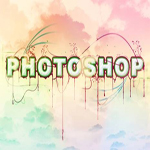 Techniques really is a great help to create a stunning photoshop text effects that will give your design a great look. Every now and then there are different designs and styles that are used to create text effects that are being featured to match the latest trend on the web.
In this post, I’ll be featuring 50 most eye-catching photoshop text effects tutorials that you can use for your design, website , hobby or even just a crash course for newbie.
1. 3D texture
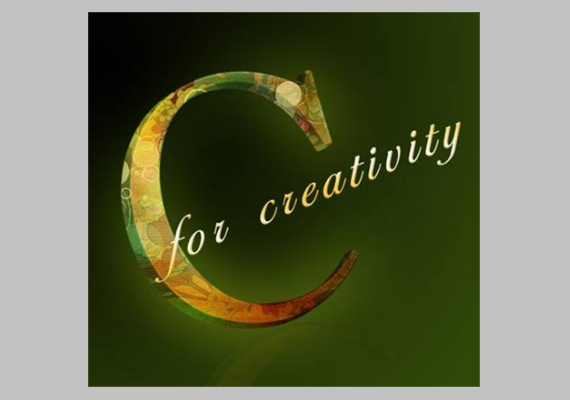
2. Create a spectacular flaming meteor effect on text
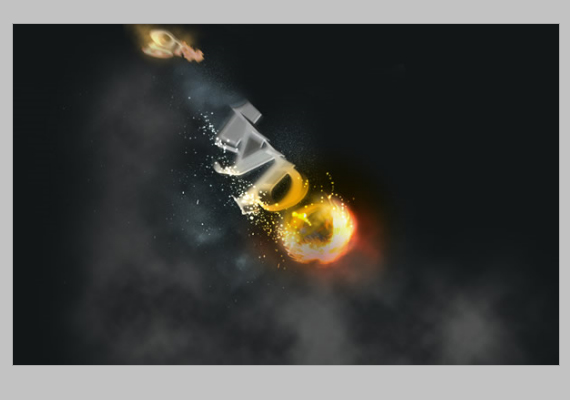
3. How to create high-quality metal 3D text in Photoshop
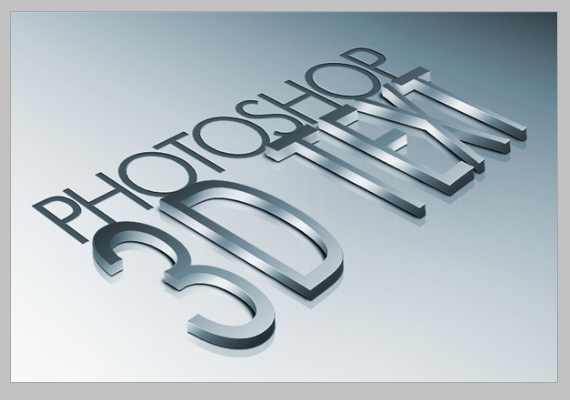
4. light and shade
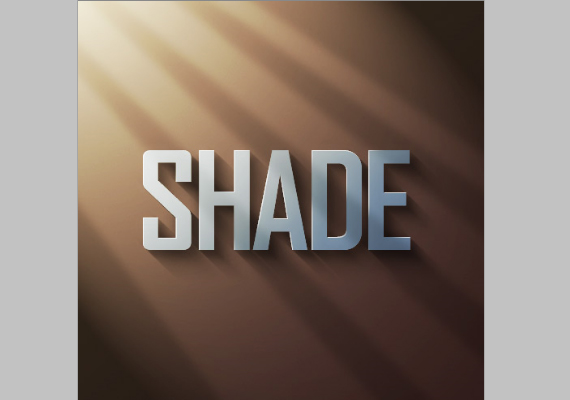
5. Create Destructive Black and White Lettering with a Dramatic Splash Effect
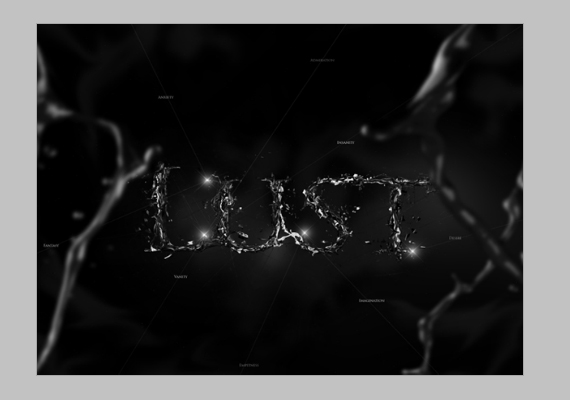
6. Stunning 3D effects in 30 minutes
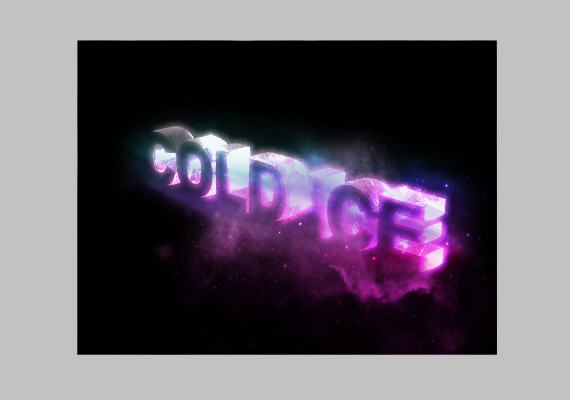
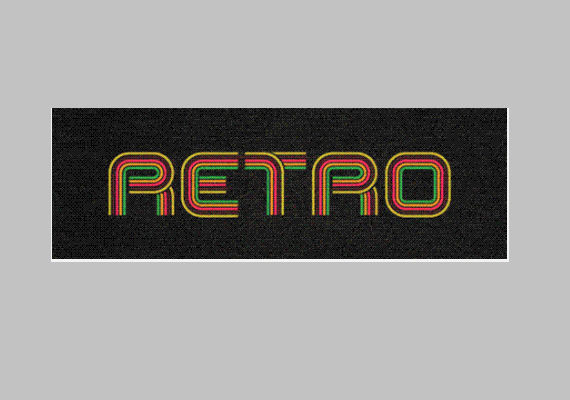
7. How to Quickly Create a Stylish Retro Text Effect
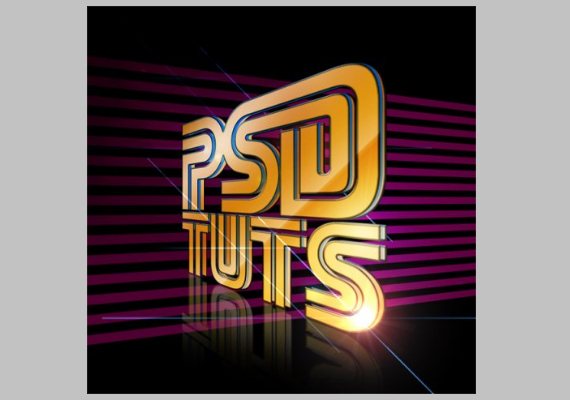
8. 3D text with a touch of grunge
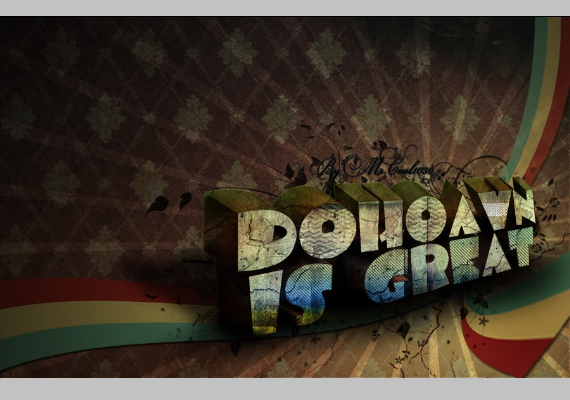
9. Design soft stylized 3D type
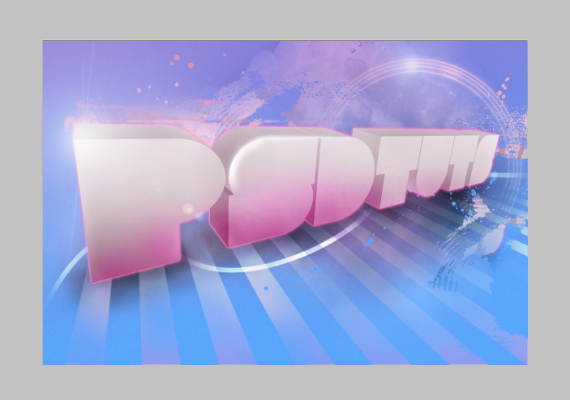
10. Create a 3D flowery text effect
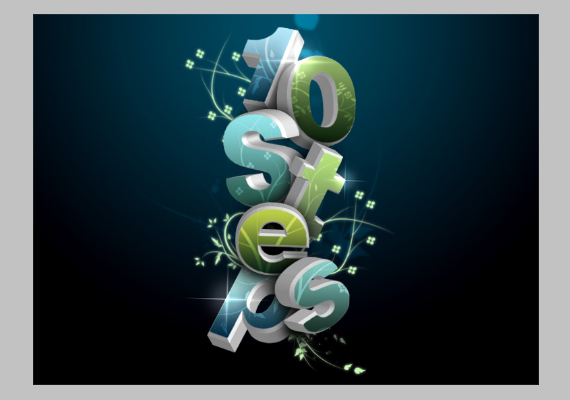
11. Create a dream-like design with 3D typograph
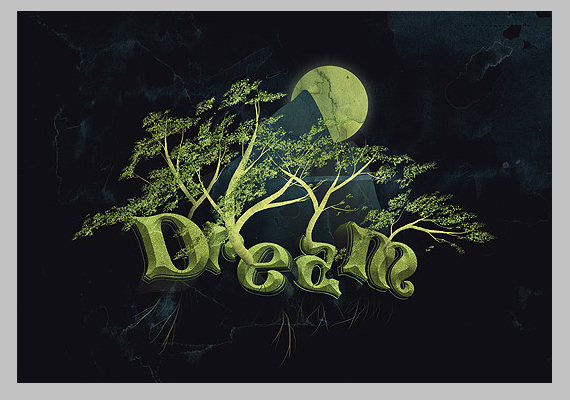
12. Quick and dirty Photoshop text effects from scratch
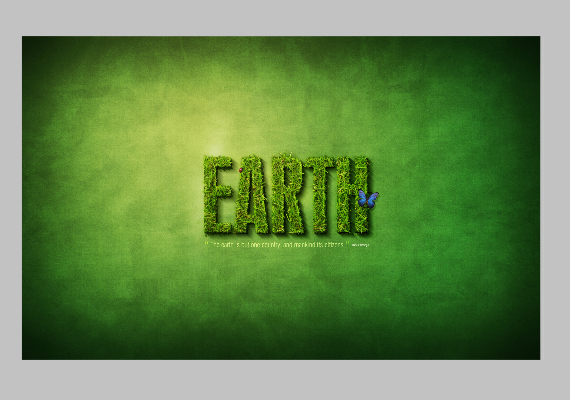
13. Create a spectacular grass text effect in Photoshop
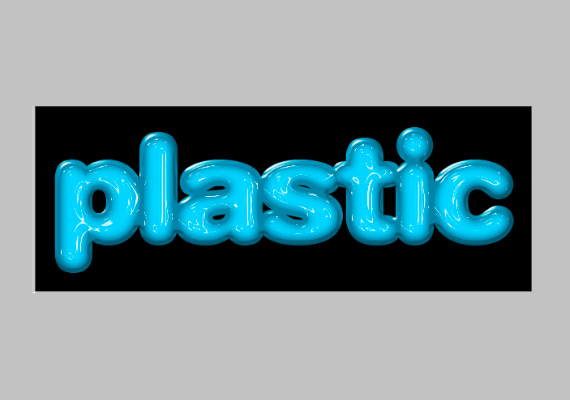
14. Plastic text
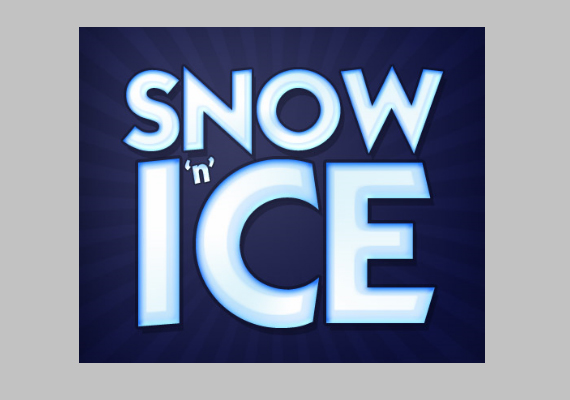
15. Icy cold
16. Paint-splodged text
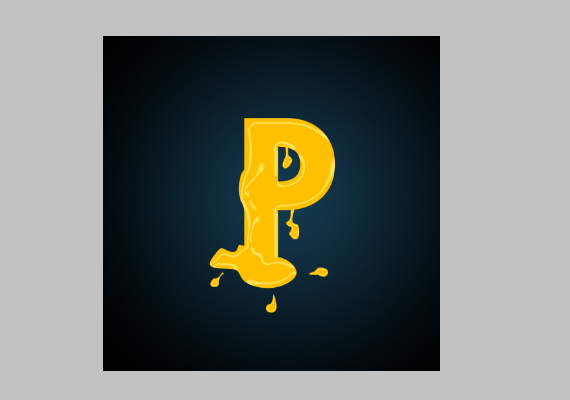
17. Text in stitches
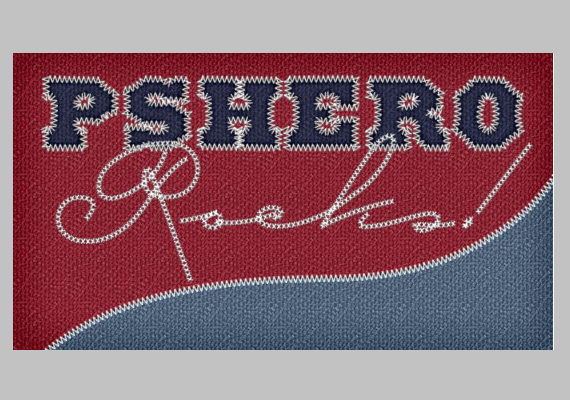
18. Wet watercolor
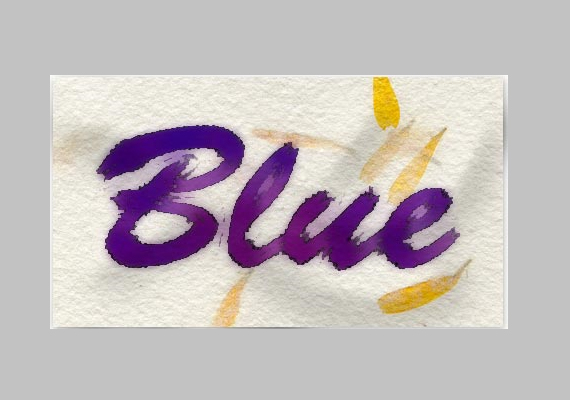
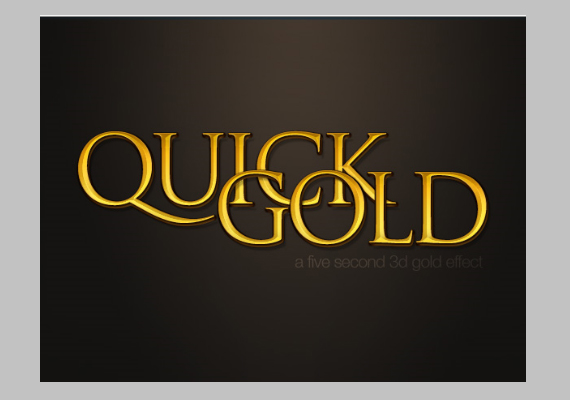
19. How to create a gold text effect in Photoshop
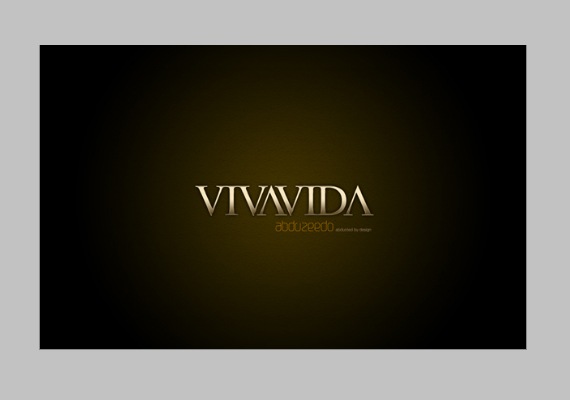
20. Colored chrome
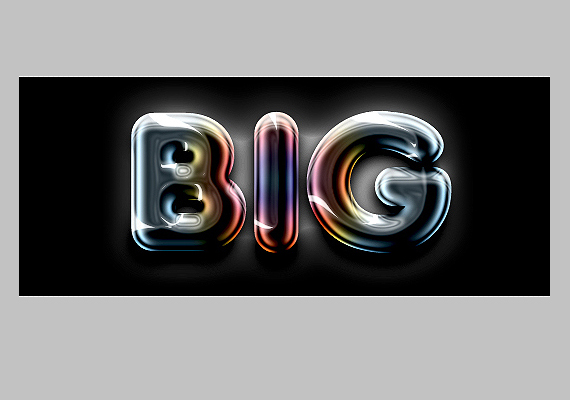
21. Reflective liquid type
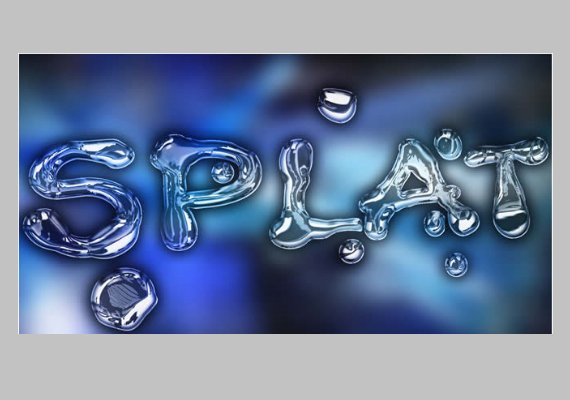
22. Wood inlay
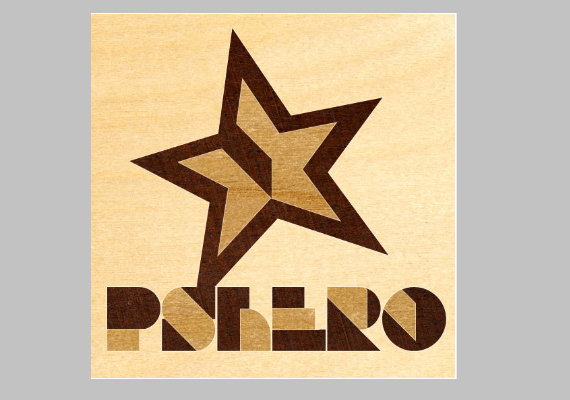
23. Paper-craft text effect
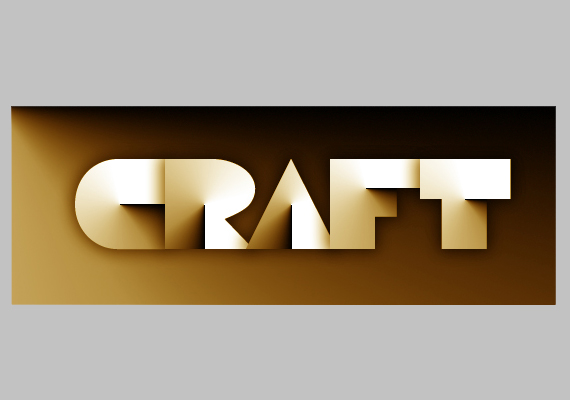
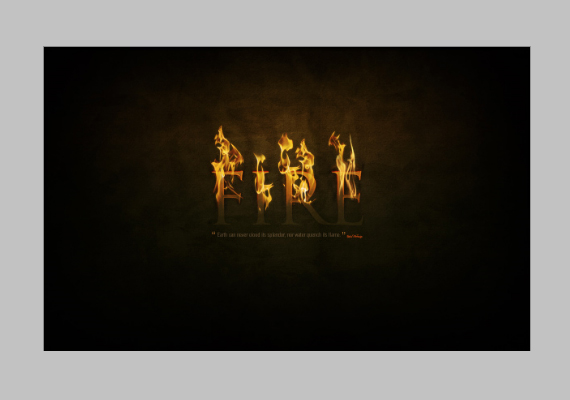
24. Dramatic text-on-fire effect in Photoshop
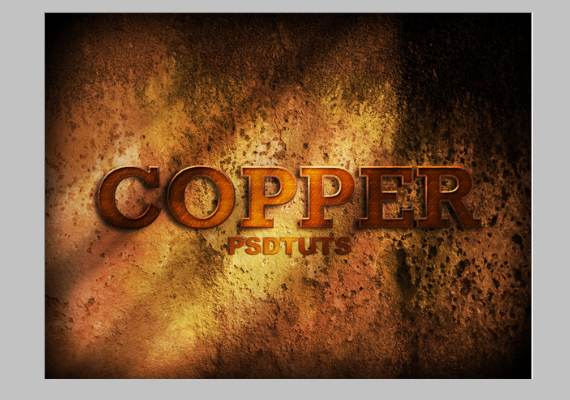
25. How to Create a Copper Photoshop Text Effect
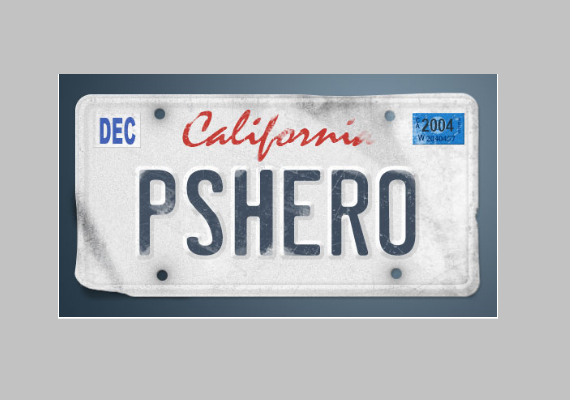
26. Vanity License Plate
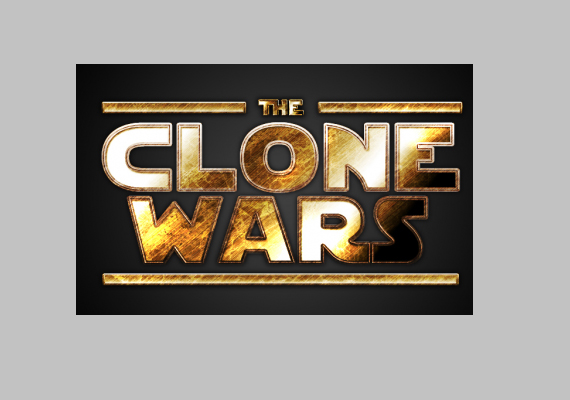
27. Star Wars text effect
28. Create a trendy typographic poster design
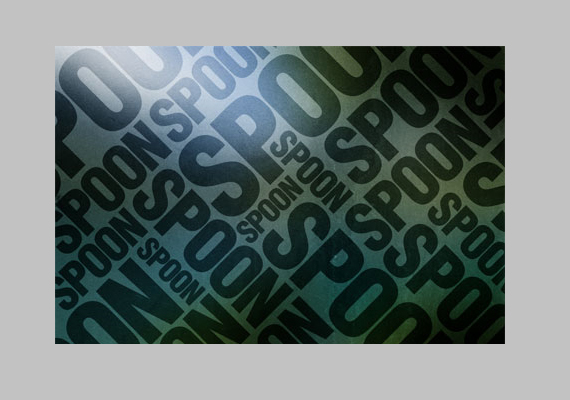
29. Graffiti with Photoshop
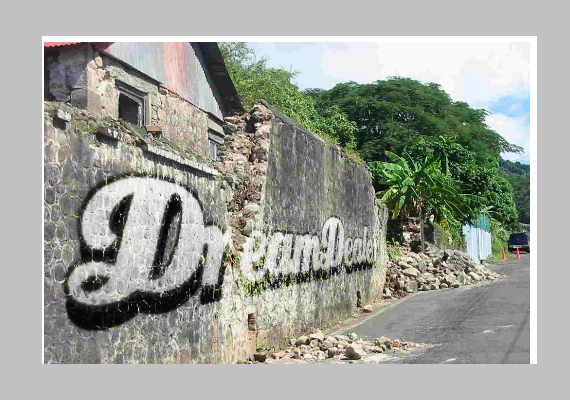
30. Super-cool frilly bits typography
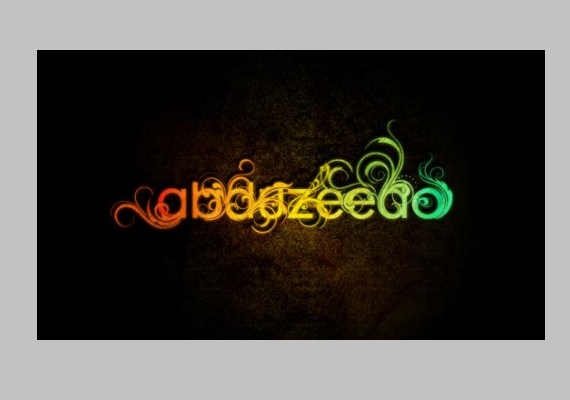
31.Typography wallpaper in Photoshop
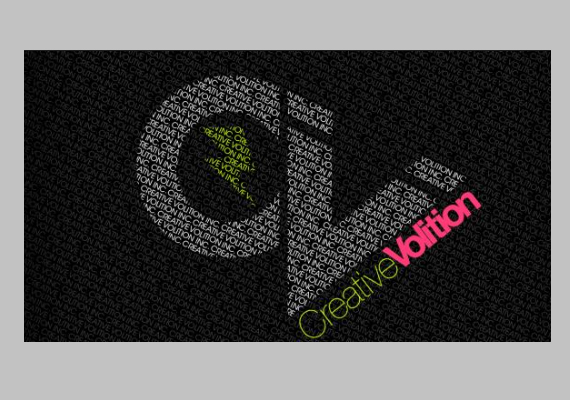
32. Floral
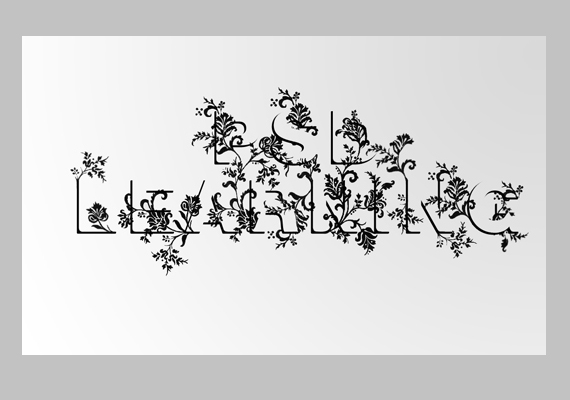
33. Splattered blood
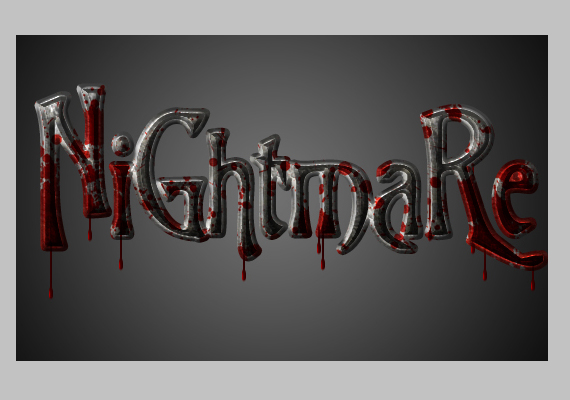
34.Worn and torn
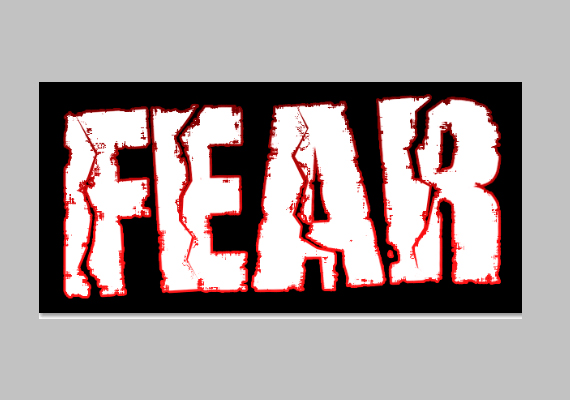
35. Grunge rubber stamp.
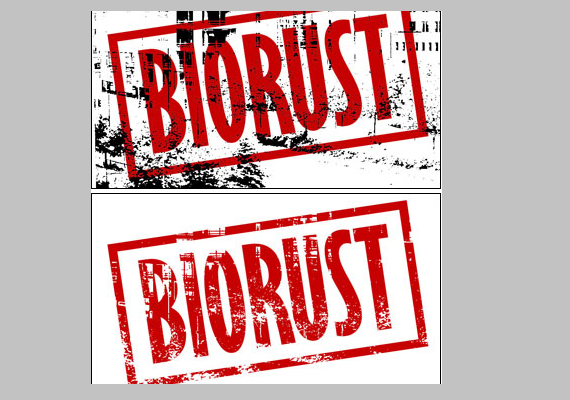
36. Distorted letters
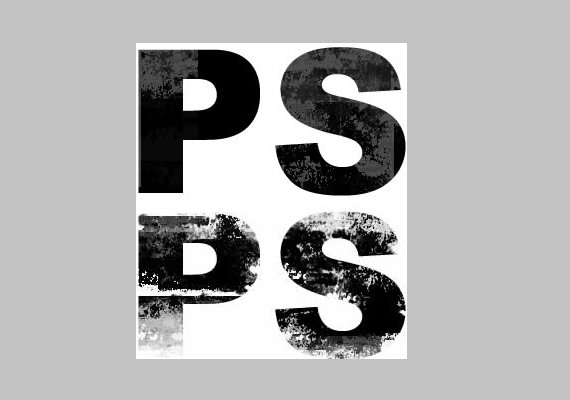
37. Decorative text
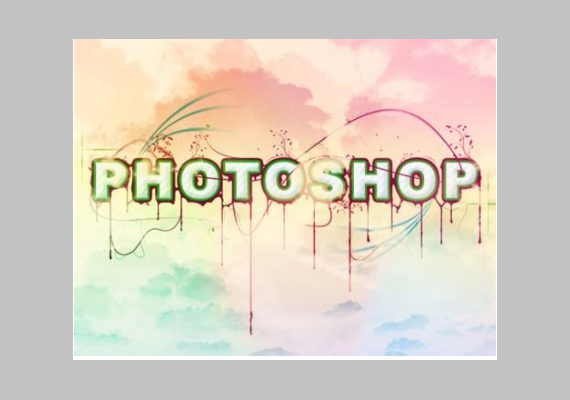
38. Rough metal
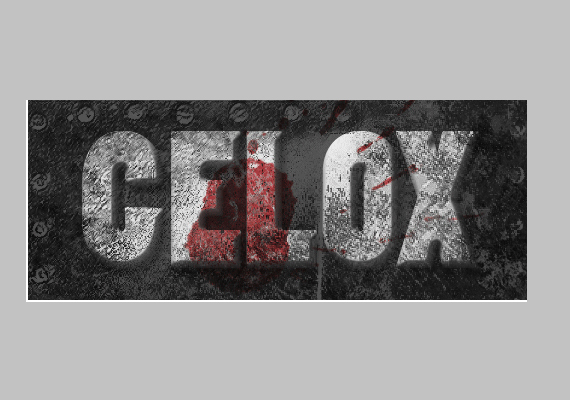
39. A slick supernatural text effect
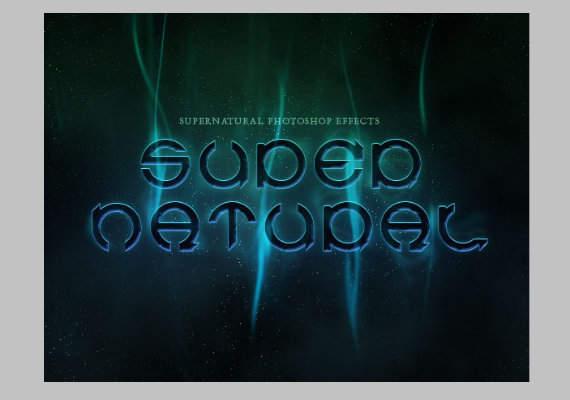
40. Smoke type in Photoshop in 10 steps
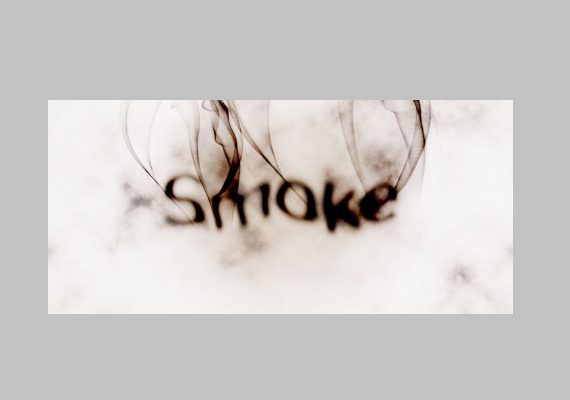
41. Moonshine effect
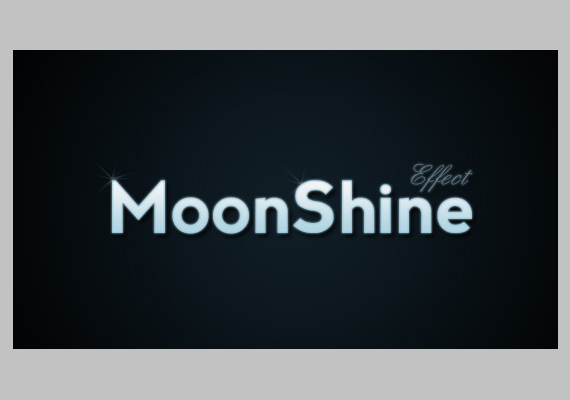
42. Transparent glass lettering in Photoshop
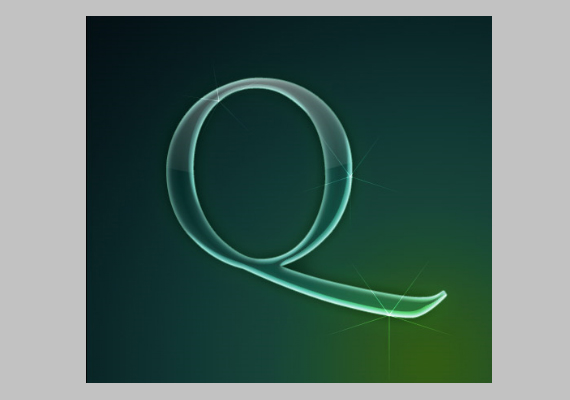
43. Scan-line text
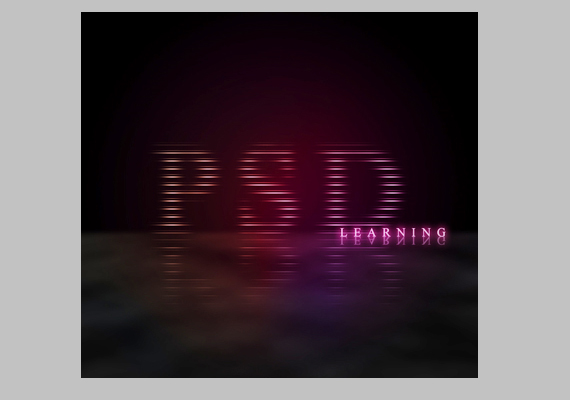
44. Create a layered glowing text effect
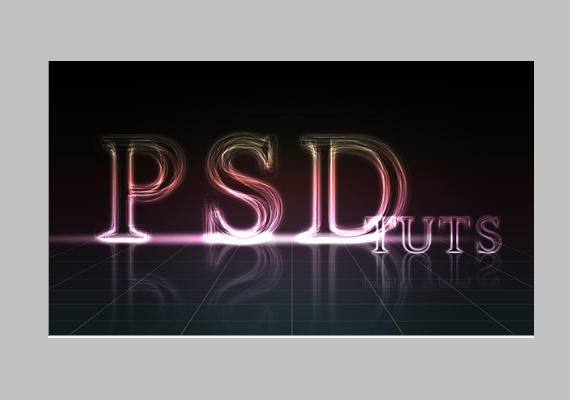
45. Vibrant pop text effect
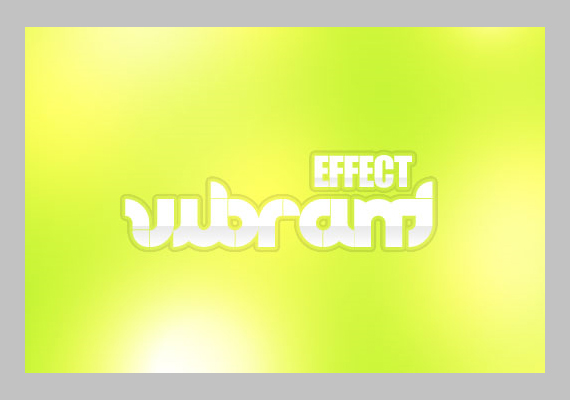
46. Slow-shutter effect
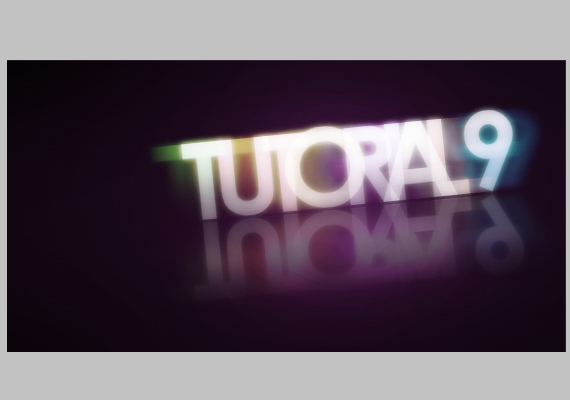
47. Colorful retro text
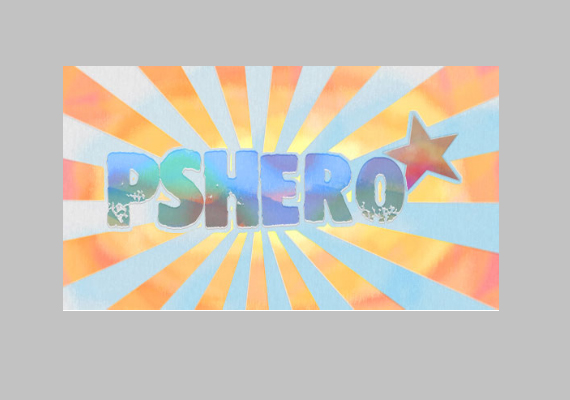
48. Colorful watercolor
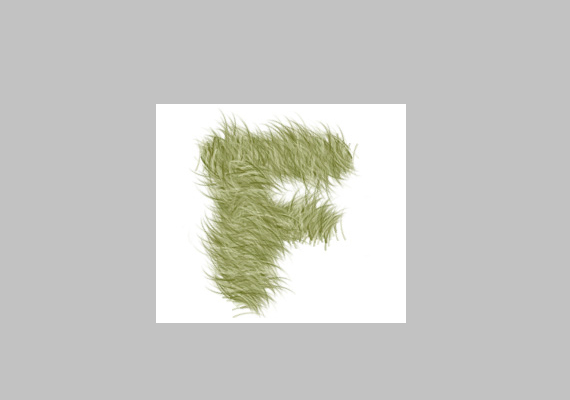
49. Furry text
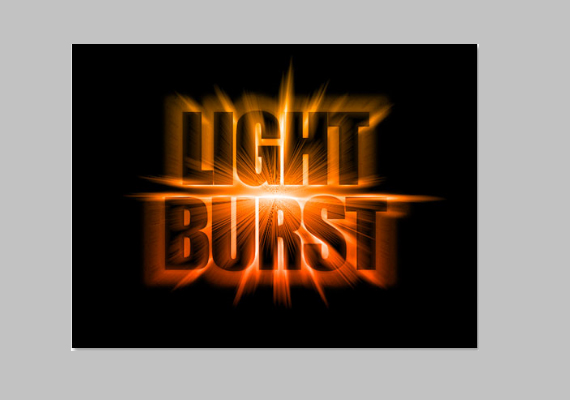
50. Light burst
Hope this text effects tutorials inspire you. If there are text effects tutorials that I’ve missed or your own creations , please post it on your comment and I will be happy to update it.


What a sad looking blog post!
Please add some comments.
Add A Comment